Travel Smart: Securing Your Digital Footprint Abroad
When you’re planning a trip, your mind is probably filled with exciting thoughts of new sights, delicious food, and unforgettable experiences. However, in our increasingly connected world, another crucial aspect needs your attention: securing your digital footprint while traveling. Just as you’d lock your physical luggage, protecting your online information and devices is paramount. Ignoring cybersecurity can turn a dream vacation into a nightmare of stolen identities, financial fraud, or compromised personal data.
This guide will walk you through essential cybersecurity tips to help you travel smarter and safer in the digital realm. We’ll cover practical steps you can take before, during, and after your journey to keep your personal information out of the wrong hands. By understanding and implementing these strategies, you can enjoy your travels with greater peace of mind, knowing your digital life is well-protected.
Before You Go: Prepare for Digital Safety
Preparation is the cornerstone of any successful trip, and digital security is no exception. Before you even pack your bags, there are several vital steps you should take to safeguard your devices and data. Thinking ahead can prevent many common cybersecurity pitfalls that travelers encounter, from lost phones to compromised accounts. These proactive measures create a strong first line of defense against potential threats.
One of the most important things to do is to back up all your essential data. Imagine losing your phone or laptop while abroad – not only is it an inconvenience, but the loss of photos, documents, and contacts can be devastating. Cloud services like Google Drive, iCloud, or Dropbox offer easy ways to store your data remotely. For more sensitive files, consider an encrypted external hard drive. This way, even if a device is lost or stolen, your precious memories and important documents remain safe and accessible.
Update Everything and Enable Encryption
- Update Operating Systems and Apps: Ensure all your devices, including smartphones, laptops, and tablets, have the latest operating system updates and app patches installed. These updates often include critical security fixes that protect against known vulnerabilities. Running outdated software is like leaving a door unlocked for potential attackers.
- Strong Passwords and Two-Factor Authentication (2FA): Review all your online accounts and ensure you’re using strong, unique passwords. A password manager can help you create and store these securely. More importantly, activate two-factor authentication (2FA) wherever possible. This adds an extra layer of security, requiring a second verification step, like a code sent to your phone, even if someone has your password.
- Encrypt Your Devices: Most modern smartphones and laptops offer full-disk encryption. This feature scrambles all the data on your device, making it unreadable to anyone without the correct password or key. If your device falls into the wrong hands, encryption ensures your personal information remains private. Take the time to enable this setting before you leave.
- Clean Up Unnecessary Data: Before traveling, consider deleting any highly sensitive information from your devices that you won’t need on your trip. This could include old financial statements, confidential work documents, or sensitive personal photos. Less data on your device means less risk if it’s compromised.
By taking these preparatory steps, you significantly reduce the attack surface for cybercriminals. You’re not just protecting your devices; you’re actively securing your digital footprint by making it harder for unauthorized individuals to access your personal and financial information. This foundational work allows you to start your journey with a much higher level of digital resilience.
Public Wi-Fi Woes: Connecting Safely Abroad
Public Wi-Fi is a traveler’s best friend, offering free internet access in airports, cafes, and hotels. However, it’s also a digital minefield if not approached with caution. These networks are often unsecured, making them prime targets for cybercriminals looking to intercept your data. Understanding the risks and knowing how to mitigate them is crucial for maintaining your digital security while enjoying your trip. Never assume a public network is safe, even if it has a password.
The primary danger of public Wi-Fi lies in its open nature. Anyone can join, and malicious actors can easily set up fake networks designed to look legitimate. Once connected to a compromised network, your data, from login credentials to credit card numbers, can be exposed. It’s like having a conversation in a crowded room where anyone can listen in. This vulnerability necessitates a proactive approach to protecting your online activities.
The Power of a Virtual Private Network (VPN)
A Virtual Private Network (VPN) is your best defense against public Wi-Fi threats. A VPN creates an encrypted tunnel between your device and the internet. This means all your online traffic, whether you’re checking email or banking, is scrambled and unreadable to anyone trying to intercept it, even on an unsecured public network. It’s like putting your conversation into a private, soundproof booth.
- Always Use a Reputable VPN: Invest in a trusted, paid VPN service. Free VPNs often come with their own risks, such as collecting and selling your data or lacking robust encryption. Research providers known for their strong security protocols and no-logging policies.
- Activate Before Connecting: Make it a habit to activate your VPN before connecting to any public Wi-Fi network. This ensures your connection is immediately secured from the moment you go online. Don’t wait until you’re already browsing.
- Verify Network Names: Before connecting to any public Wi-Fi, double-check the network name with a staff member. Cybercriminals often create fake Wi-Fi hotspots with similar names to legitimate ones to trick unsuspecting users.
- Avoid Sensitive Transactions: Even with a VPN, try to avoid conducting highly sensitive transactions, like online banking or making large purchases, on public Wi-Fi. If you must, ensure the website uses HTTPS (indicated by a padlock icon in your browser’s address bar).
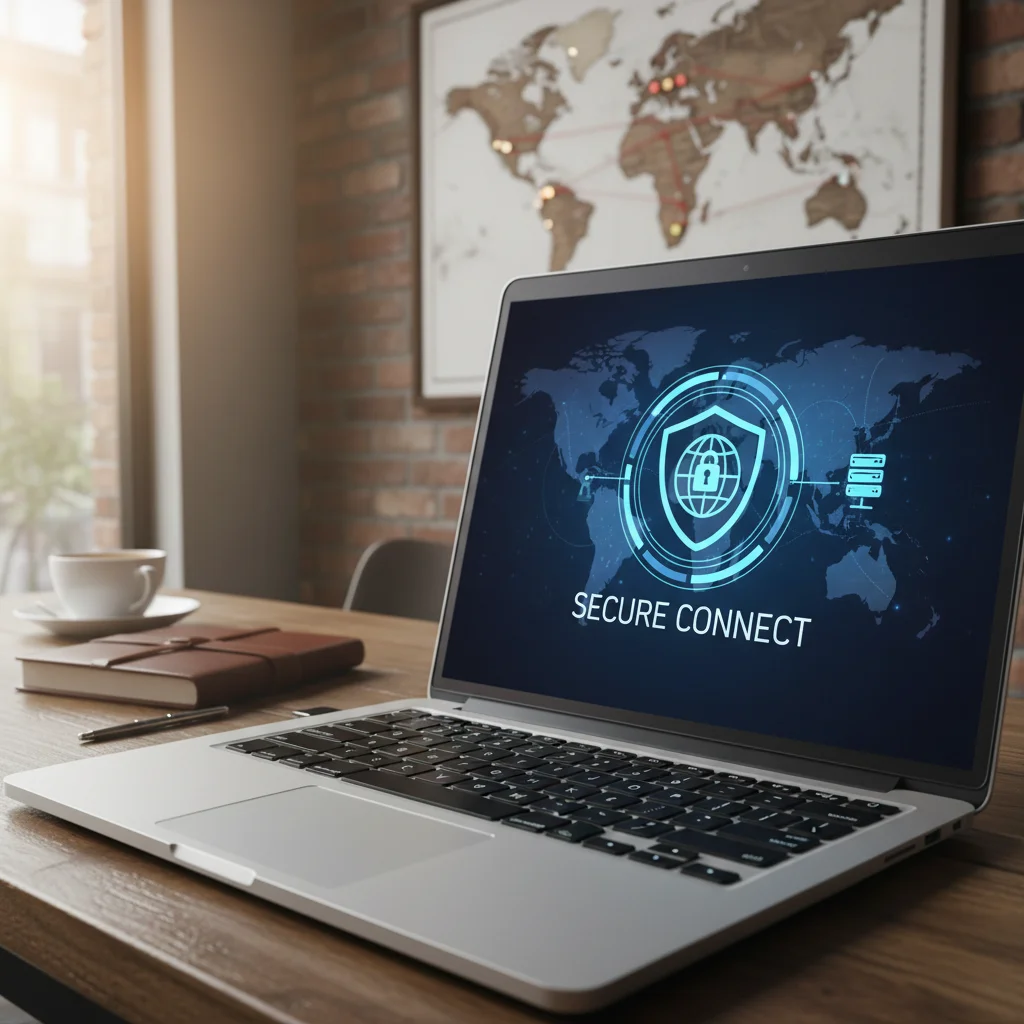
By using a VPN, you’re not just encrypting your data; you’re also masking your IP address, adding another layer of privacy. This makes it much harder for websites or third parties to track your online movements. For travelers, a VPN is an indispensable tool for securing your digital footprint and maintaining peace of mind, allowing you to browse and communicate safely no matter where you are in the world.
Device Security: Protecting Your Gadgets on the Go
Your devices are gateways to your personal and professional life, and losing them or having them stolen while traveling can be incredibly disruptive. Beyond the monetary loss, the potential for data breaches is a serious concern. Therefore, taking proactive steps to secure your physical devices is as important as protecting your online activities. Think of your phone and laptop as extensions of your wallet and passport – they need constant vigilance.
Physical security measures are your first line of defense. Simple habits, like keeping your devices out of sight and never leaving them unattended, can significantly reduce the risk of theft. Many travelers become more relaxed with their belongings when immersed in a new environment, which is precisely when opportunistic thieves strike. Maintaining awareness of your surroundings and your possessions is key to preventing incidents.
Essential Device Protection Strategies
- Enable Remote Wipe and Find My Device Features: All modern smartphones and many laptops come with features like ‘Find My iPhone’ or ‘Find My Device’ for Android and Windows. Activate these services before you travel. In case of loss or theft, these features allow you to locate your device, lock it remotely, or even wipe all its data to prevent unauthorized access. This can be a lifesaver for securing your digital footprint.
- Use Strong Device Passcodes: A simple PIN is not enough. Use a strong, alphanumeric passcode for your phone and a robust password for your laptop. Enable biometric authentication (fingerprint, face ID) for quick access, but always have a complex passcode as a fallback. The longer and more complex your passcode, the harder it is for someone to guess or brute-force their way in.
- Be Mindful of Charging Stations: Public USB charging stations, often found in airports and cafes, can be risky. They can be compromised to install malware or steal data from your device, a practice known as ‘juice jacking.’ Whenever possible, use your own wall charger and power adapter. If you must use a public USB port, consider carrying a ‘USB condom’ (a data blocker) that only allows power transfer.
- Travel with Minimal Devices: If possible, consider leaving non-essential devices at home. The fewer gadgets you bring, the fewer you have to worry about securing. For critical work, consider using a ‘burner phone’ or a stripped-down laptop with minimal personal data, especially if traveling to high-risk areas.
These strategies help create a robust defense around your physical devices. They not only deter theft but also provide crucial recovery and data protection options if the worst happens. Prioritizing device security allows you to focus on enjoying your journey without constantly worrying about your valuable electronics and the sensitive information they hold.
Email and Social Media: Guarding Your Online Identity
In today’s digital age, our email and social media accounts are central to our online identities, storing a wealth of personal information, contacts, and memories. While traveling, these platforms can be convenient for staying connected with loved ones and sharing experiences, but they also become attractive targets for cybercriminals. A compromised email account can lead to widespread identity theft, as it often serves as the recovery point for many other online services. Therefore, guarding these accounts is paramount for securing your digital footprint.
Phishing attempts and social engineering scams often target travelers, exploiting their desire for connectivity or good deals. You might receive emails disguised as airline updates, hotel confirmations, or tempting offers that, when clicked, lead to malicious websites designed to steal your login credentials. Staying vigilant and skeptical of unsolicited communications is a fundamental defense against these threats, especially when you’re in an unfamiliar environment.
Protecting Your Accounts from Prying Eyes
- Beware of Phishing Scams: Always be suspicious of emails or messages asking for your login details, even if they appear to be from legitimate sources. Check the sender’s email address carefully for subtle misspellings. Never click on suspicious links; instead, navigate directly to the official website if you need to log in.
- Use Strong, Unique Passwords and 2FA: This point cannot be stressed enough. Each online account should have a unique, complex password. Using the same password across multiple services is incredibly risky, as a breach on one site can compromise all your accounts. Enable two-factor authentication (2FA) on all your email and social media accounts. This extra step significantly bolsters your security, making it much harder for unauthorized users to gain access even if they somehow obtain your password.
- Limit What You Share Publicly: While it’s tempting to share every moment of your trip on social media, be mindful of what information you make public. Avoid posting your exact travel dates, itineraries, or current location in real-time. This information can alert potential thieves to your empty home or make you a target for scams while abroad. Consider waiting until you return to share certain details or adjusting your privacy settings to share only with trusted friends and family.
- Log Out of Accounts: When using public computers or shared devices, always remember to log out of all your accounts when you’re finished. Even on your own device, if you’re using public Wi-Fi, it’s a good practice to log out of sensitive accounts after each session. This prevents accidental exposure if your device is temporarily unattended or if the network is monitored.
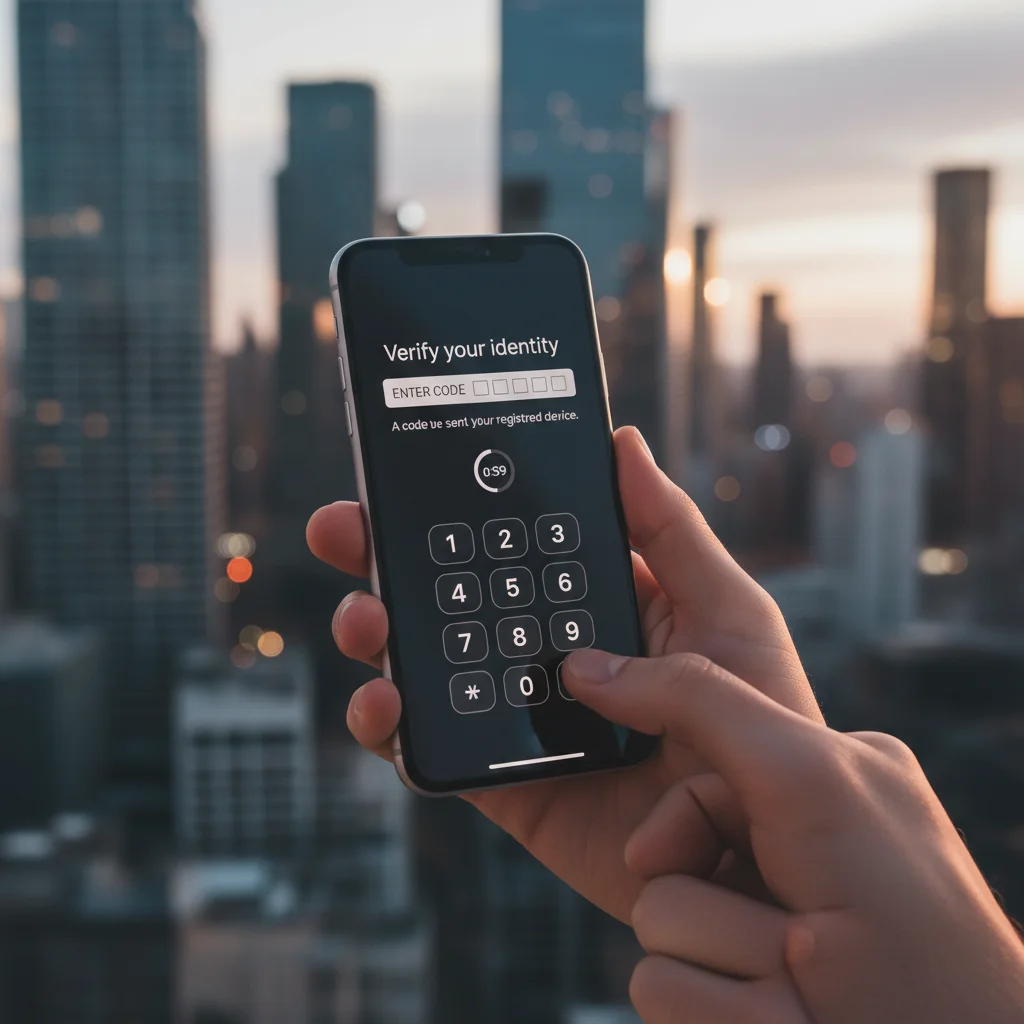
By adopting these practices, you create robust barriers around your online identity. Your email and social media accounts are often the keys to your entire digital life, so their protection is non-negotiable. Taking these precautions ensures that your travel memories remain yours and your online presence stays secure, contributing significantly to securing your digital footprint.
Financial Security: Safeguarding Your Money and Transactions
Managing your finances while traveling requires extra vigilance. Fraudsters are always looking for opportunities, and travelers, often distracted and in unfamiliar surroundings, can be easy targets. From credit card skimming to ATM scams, protecting your financial data and transactions is a critical component of securing your digital footprint. Losing access to your funds or having your accounts compromised can quickly turn a wonderful trip into a stressful ordeal, making it impossible to enjoy your destination.
Before you even depart, it’s wise to inform your bank and credit card companies of your travel plans. This helps prevent your legitimate transactions from being flagged as suspicious and potentially freezing your cards. Many financial institutions have automated systems that might block transactions from unusual locations, so a quick heads-up can save you a lot of hassle and ensure continuous access to your money. This simple step is often overlooked but provides a foundational layer of financial security.
Smart Money Habits for Travelers
- Use Credit Cards Wisely: Credit cards generally offer better fraud protection than debit cards. Use a credit card for most purchases, especially online bookings or at unfamiliar vendors. Keep your debit card for ATM withdrawals only, and try to use ATMs located inside banks or reputable establishments, avoiding standalone machines in isolated areas.
- Monitor Your Accounts Regularly: While traveling, make it a habit to check your bank and credit card statements frequently, ideally daily or every other day. Look for any unauthorized transactions, even small ones, which could be test charges by fraudsters. Report any suspicious activity immediately to your bank or card issuer.
- Be Wary of Card Skimmers: When using ATMs or point-of-sale terminals, always visually inspect the card reader for any signs of tampering. Wiggle the card slot to see if anything feels loose. Cover the keypad with your other hand when entering your PIN to prevent shoulder surfing or hidden cameras from capturing it.
- Limit Cash Carried: While having some local currency is convenient, avoid carrying large amounts of cash. If your wallet is lost or stolen, cash is irrecoverable. Rely more on cards with strong fraud protection and keep emergency funds separate from your main wallet.
- Secure Online Purchases: If you need to make online purchases or bookings while traveling, ensure the website is secure (HTTPS) and use a VPN, especially if you’re on public Wi-Fi. Be cautious of unsolicited emails offering deals that require you to enter payment information on unfamiliar sites.
By implementing these financial security measures, you significantly reduce the risk of falling victim to fraud. Being proactive about monitoring your accounts and cautious with your transactions ensures that your travel budget remains safe and sound. Protecting your financial resources is a critical part of securing your digital footprint and ensuring a worry-free travel experience.
Post-Trip Cleanup: Final Steps for Digital Hygiene
The journey might be over, but your digital security responsibilities aren’t quite finished. Just as you unpack your suitcase and do laundry, there are essential digital hygiene steps to take once you’ve returned home. This ‘post-trip cleanup’ helps ensure that any minor vulnerabilities or temporary security adjustments made during your travels are rectified, closing any potential backdoors for cyber threats. Neglecting these final steps can leave lingering risks that could compromise your data long after your vacation tan has faded.
One immediate action should be to review your accounts and devices for any unusual activity. While you might have been monitoring during your trip, a comprehensive check upon return can catch anything you might have missed. This includes looking at your bank statements, email login history, and social media activity. A quick scan can offer peace of mind or alert you to a problem that needs addressing.
Resetting for Continued Security
- Change Temporary Passwords: If you created any temporary or less secure passwords for specific services during your trip (e.g., for a quick hotel Wi-Fi login or a burner email), change them back to strong, unique passwords immediately. Better yet, delete those temporary accounts if they are no longer needed.
- Review and Revoke App Permissions: While traveling, you might have granted new permissions to apps, especially location services for navigation or photos for sharing. Go through your phone’s app settings and revoke any permissions that are no longer necessary. This limits the data apps can access on your device.
- Disconnect from Public Wi-Fi Networks: Ensure your devices automatically forget any public Wi-Fi networks you connected to during your trip. This prevents your device from automatically connecting to potentially unsecured networks if you happen to be in range again, even if you are not traveling.
- Scan for Malware: Run a full scan on your devices with reputable antivirus or anti-malware software. This helps detect and remove any unwanted software that might have inadvertently been downloaded or installed while you were abroad, particularly if you used public computers or questionable charging stations.
- Delete Temporary Data: Clear your browser history, cookies, and cached data from your devices, especially if you used public computers or less secure networks. This removes any lingering traces of your online activity that could be exploited.
By diligently performing these post-trip digital hygiene tasks, you effectively seal off any potential vulnerabilities created or encountered during your travels. This comprehensive approach to securing your digital footprint ensures that your return home is truly a return to safety, allowing you to reflect on your adventures without the shadow of digital worries.
Frequently Asked Questions
Is it safe to use hotel Wi-Fi?
Hotel Wi-Fi can be risky, similar to other public networks. It’s best to assume it’s not fully secure. Always use a reputable VPN when connecting to hotel Wi-Fi to encrypt your data and protect your privacy from potential eavesdroppers on the same network.
What is a ‘burner phone’ and should I use one?
A ‘burner phone’ is a cheap, temporary phone with minimal personal data, used for travel to high-risk areas. It’s an option if you’re concerned about your primary device being lost, stolen, or compromised, reducing the impact of such an event.
Should I turn off location services on my phone while traveling?
While location services can be useful for navigation, consider turning them off for apps that don’t absolutely need them. This reduces the amount of location data collected about you and can prevent others from tracking your movements through social media posts.
How can I protect my photos if my phone is stolen?
Regularly backing up your photos to a cloud service (like Google Photos or iCloud) or an external hard drive is crucial. This ensures that even if your phone is lost or stolen, your precious memories are safe and can be restored to a new device.
What should I do if my credit card is compromised abroad?
Immediately contact your bank or credit card company to report the fraudulent activity and freeze your card. Most banks have international emergency numbers. Continue monitoring your accounts closely for any further suspicious transactions.
Official Resources
- CISA Cybersecurity Best Practices
- USA.gov Travel Tips
- FTC: How to Protect Your Privacy When Using Public Wi-Fi
- IdentityTheft.gov
Conclusion
Traveling offers incredible opportunities for personal growth and adventure, but it also introduces unique challenges to your digital security. By proactively securing your digital footprint, you can significantly reduce the risks of identity theft, data breaches, and financial fraud. The essential cybersecurity tips discussed—from preparing your devices and using a VPN on public Wi-Fi to safeguarding your email and financial transactions, and performing a post-trip cleanup—are not merely suggestions; they are vital practices for any modern traveler.
Embracing these habits ensures that your memories are the only souvenirs you bring home, not digital headaches. Remember, a little preparation and ongoing vigilance can go a long way in protecting your personal information and devices. Make cybersecurity an integral part of your travel planning, and you’ll enjoy a more relaxed and secure journey, allowing you to fully immerse yourself in the experiences the world has to offer without unnecessary digital worries.
